Compatibility and modules
Minimum Unity version: Unity 6.3 LTS (6000.3). Unity 2022.3 and Unity 6.0, 6.1 and 6.2 are not supported.
ActionFlow 2 edits Game Creator components and assets through a graph. You keep the same Game Creator behavior, Unity assets and prefab workflows.
Unity and Game Creator versions
Tested versions:
| Unity Editor | Game Creator 2 Core | Package requirements |
|---|---|---|
| 6000.3.22f1 | 2.19.61 | Official packages compatible with Unity 6.3 |
| 6000.6.0f1 | 2.19.61 | Official packages compatible with Unity 6.6 |
Install official Core and module releases compatible with your chosen Unity version and each other. Later Unity or Game Creator updates require verification.
See Unity and Game Creator compatibility before upgrading. Test a Unity upgrade in a separate project copy before using it for ongoing work.
Game Creator 2 modules
ActionFlow 2 automatically integrates compatible modules installed against a supported Game Creator 2 Core version.
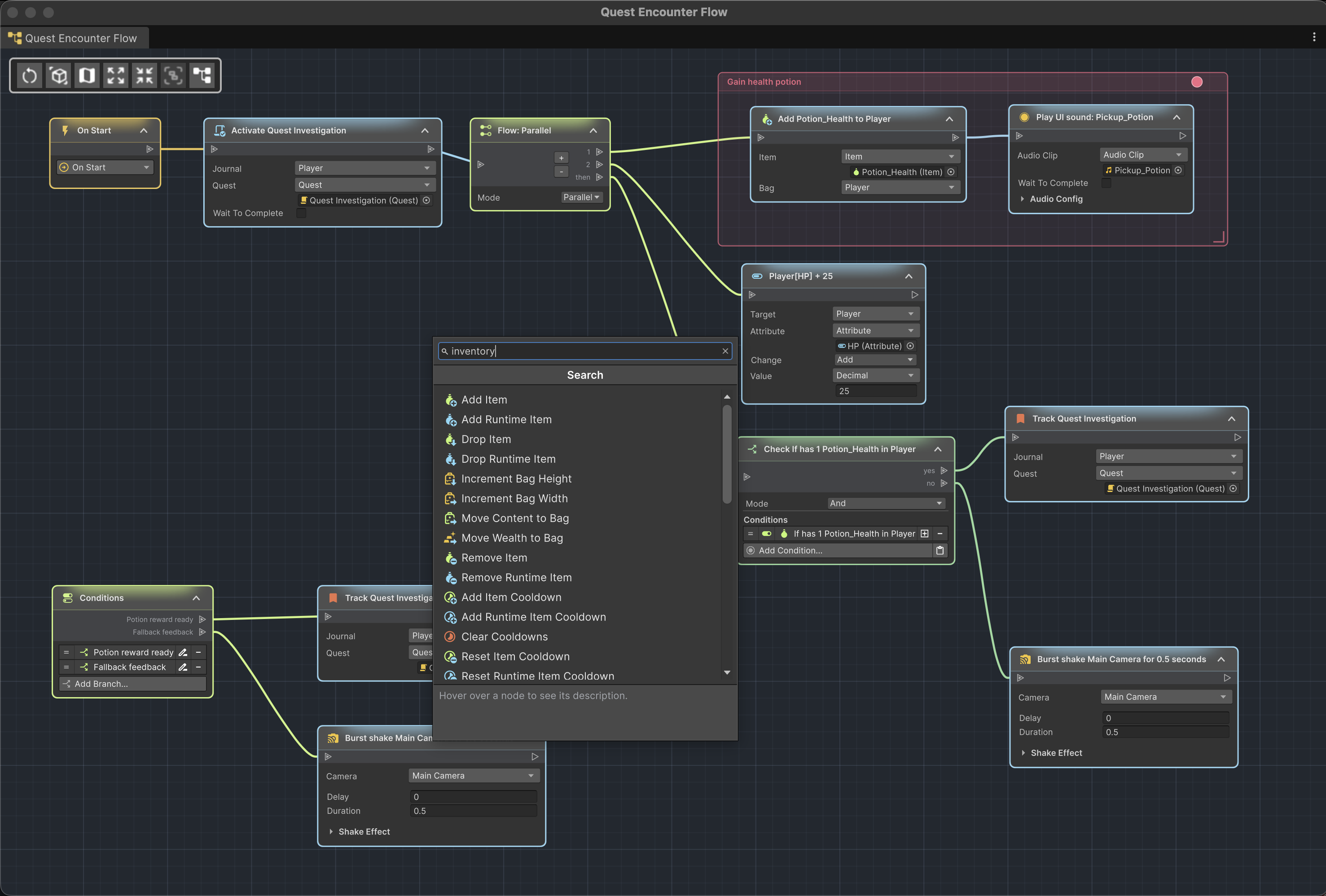
After Unity compiles, Events and Instructions from compatible installed modules appear in the node picker with their normal categories and settings. There is no separate ActionFlow integration package to install per module.
Installed modules can also add types for asset input parameters and values supplied by instructions that use those assets.
What automatic module support means
Automatic support covers Events, Instructions and compatible parameter types. A module's other editor tools are not necessarily available in the graph. After a module update, check that the nodes and parameters you use still appear and work as expected.
When adding, removing, or updating a module, let Unity finish recompiling and then reopen the graph or node picker.
Supported authoring targets
| What you open | What you can edit | Execution highlighting |
|---|---|---|
| Scene GameObject with Trigger, Actions, Conditions, or compatible Story Engine Rule | Graph structure, fields, layout, Undo/Redo | Yes |
| Prefab asset | Graph structure, fields, layout, Undo/Redo | When executed by an instance |
| Prefab instance, including variants and nested prefabs | Graph editing with Unity prefab overrides and source navigation | Yes |
| Instruction Asset | Graph and input parameters | Yes |
| Branch Asset | Branch graph and input parameters | Yes |
| Condition Asset | Inspector and input parameters | Through its callers |
| Compatible LogicBlock Block asset | Unified overview and list graphs | Yes |
Select a name in the table for its editing instructions.
Optional packages
Story Engine
Rules appear as teal roots when a compatible Story Engine version is installed. Edit a Rule's title, Category, Priority and criteria in its node, and connect its instructions from the output. Use the node picker to add a Rule and the pencil in its header to rename it. Rule root nodes cannot be copied in the graph. See Rule nodes for deletion behavior and Play Mode highlighting.
LogicBlock
LogicBlock is optional. When a compatible version is present, ActionFlow 2 detects it and enables Block-asset editing, usage search, and runtime tracking. An unsupported version is reported without changing the asset.
NodeFlow
NodeFlow is not required. ActionFlow 2 provides its own graph editor.
Custom Game Creator extensions
Custom Events and Instructions that follow Game Creator's standard creatable type patterns are discovered in the same way as module content. Compatible property-provider wrappers can also participate in ActionFlow asset parameter generation.
If custom content does not appear:
- resolve all compilation errors;
- confirm the type is concrete, public where required, and visible to Game Creator's own menus;
- reopen the picker after compilation;
- check the Console for an ActionFlow discovery or generation diagnostic.
Edit Mode and Play Mode
Add, delete and reconnect nodes in Edit Mode. ActionFlow 2 locks structural changes while Unity is playing or transitioning into or out of Play Mode.
In Play Mode:
- component graphs expose supported runtime value testing and restore their authoring state when Play Mode ends;
- ActionFlow and LogicBlock asset structures remain locked;
- ordinary asset value edits follow Unity's persistent asset behavior;
- open graphs can highlight component, asset-call, and LogicBlock execution.
If Undo or Redo would change a graph edit during Play Mode, ActionFlow 2 stops Play Mode and keeps that edit unchanged. Repeat the command in Edit Mode to apply it. Other Unity edits can still be undone and redone during Play Mode.
Saving and prefab workflows
Graph edits update the Game Creator components or assets you opened. Node positions, sticky notes and placemats are saved with the graph; pan and zoom are remembered locally for each user. Use normal Unity saving, prefab overrides and version control for your project.