Nodes and flow
ActionFlow 2 models Game Creator component roots, compatible Story Engine Rule roots, reusable asset roots, and instructions with a small set of graph shapes. Compatible Events and Instructions from installed Game Creator 2 modules use these same shapes.
Connections show the order of execution and which branch or Flow output leads to each instruction.
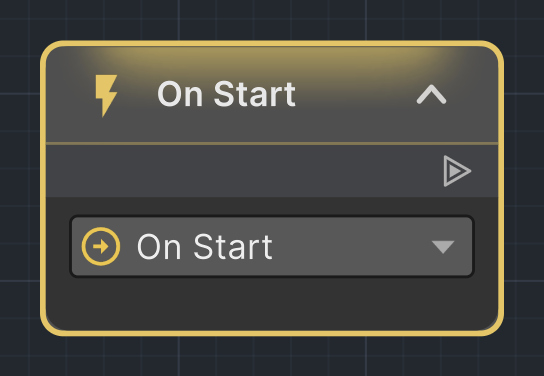
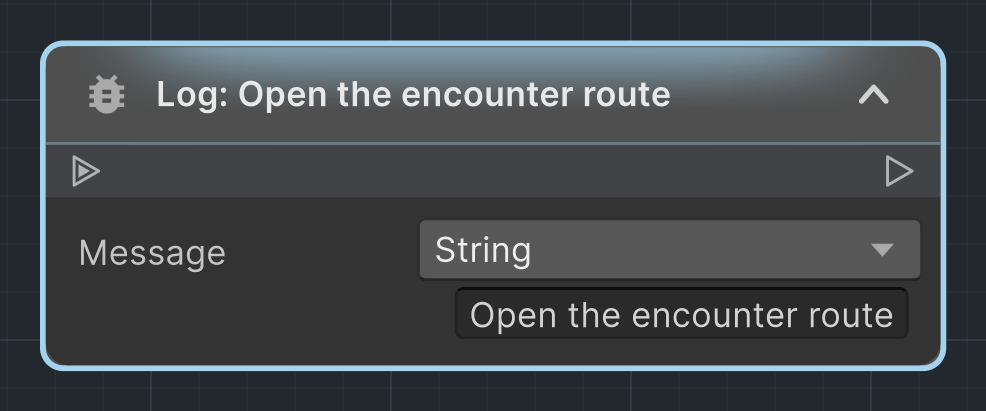
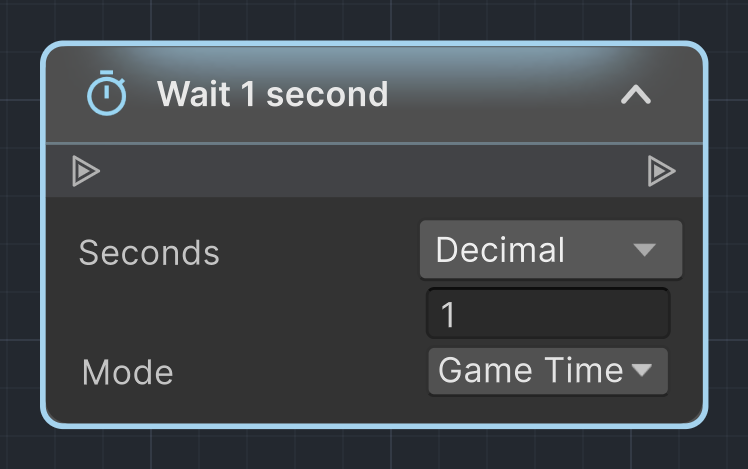
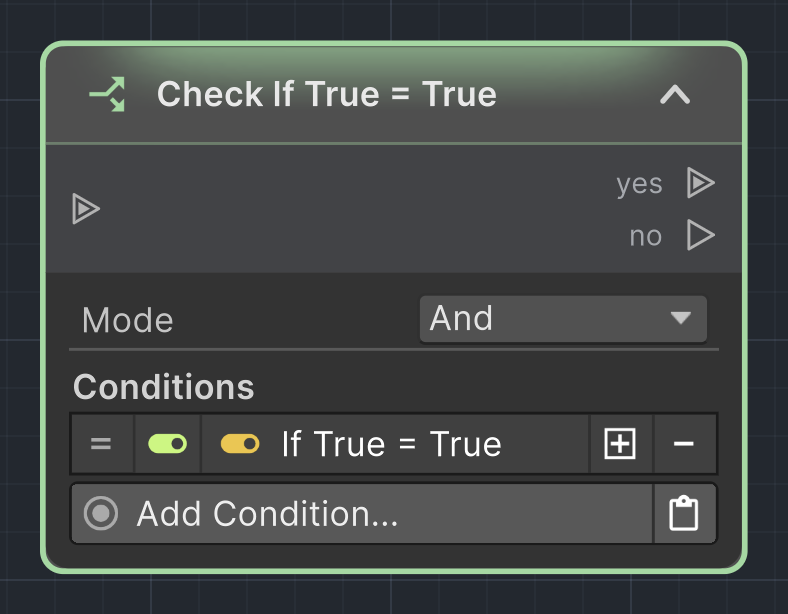
Trigger node
A Trigger node represents a Game Creator Trigger component and its selected Event. It is a root: it has outputs, but no input.
Use the Event field in the node body to select or configure the trigger event. Connect the output to the first instruction, branch, or flow node.
Rule node
When a compatible Story Engine version is installed, a standalone Rule component appears automatically in the opened GameObject graph. The teal Rule root displays Category, Priority, and its embedded criteria. Rename the Rule with the pencil in its title bar. Its embedded instruction list continues from the output as the same editable node chain used by Trigger and Actions components. When the Story Director executes a Rule in Play Mode, highlighting starts at that root and follows the executed instruction nodes.
The Rule root has no input. When Story Engine is installed, choose Rule in the node picker to create its component; its rename pencil is available as soon as the node appears. Delete a Rule root the same way as a Trigger root. If its instruction chain remains, ActionFlow keeps that chain under an Actions component. Rule root nodes cannot be copied in the graph.
Instruction node
An Instruction node contains one Game Creator instruction. It normally has one input and one output, forming the main execution chain.
The node body exposes the instruction's settings. Changing the instruction type updates the node to match the new instruction.
Branch node
A Branch node evaluates conditions and exposes Yes and No outputs. Use it when one decision must choose between two execution paths.
Each output can connect to its own instruction chain. A missing connection simply means that outcome has no following graph path.
Flow node
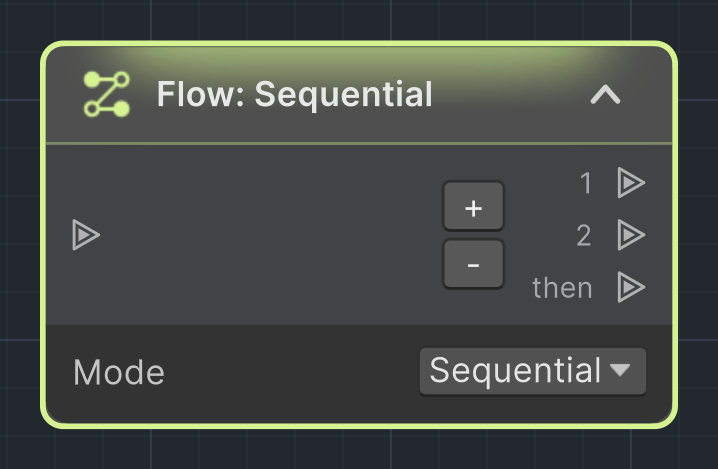
A Flow node organizes several action paths and determines how they run. Choose Sequential to run each path one after another, Parallel to start them together, or Random to choose one path each time the Flow runs.
Avoid Twice skips the previous choice when several paths are available. Ensure Choosing All chooses every path once in random order before starting another cycle. Each call still runs only one path.
Reusable ActionFlow assets remember these choices separately for each calling GameObject.
Use Flow nodes to coordinate related groups of actions while keeping every path visible in the graph.
Running a list again while it is busy
Parallel Flow and a Run Instruction List with waiting disabled let the calling path continue while their lists run. If the same list is started again before it finishes, Game Creator keeps the current run and skips the second start. It does not queue or restart the list. If every activation must run, wait for the list to finish before starting it again. For independent overlapping runs, call a reusable ActionFlow asset; each call runs independently.
ActionFlow asset root
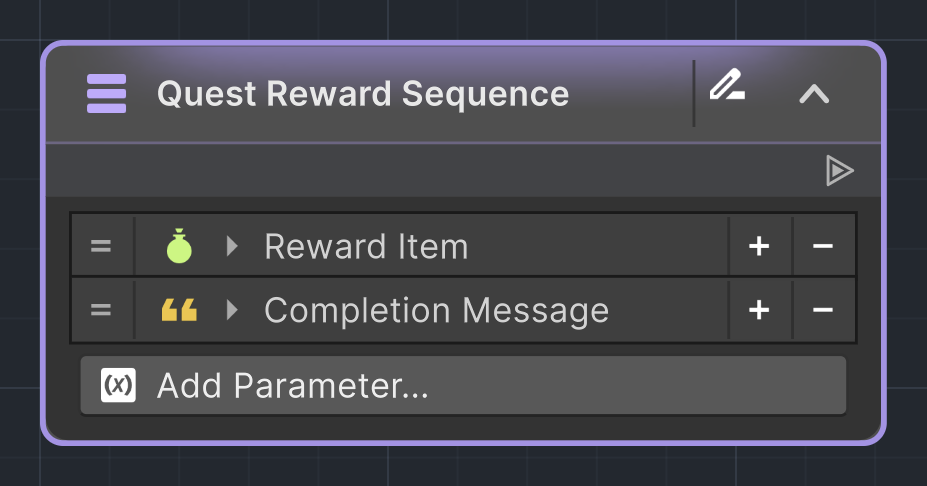
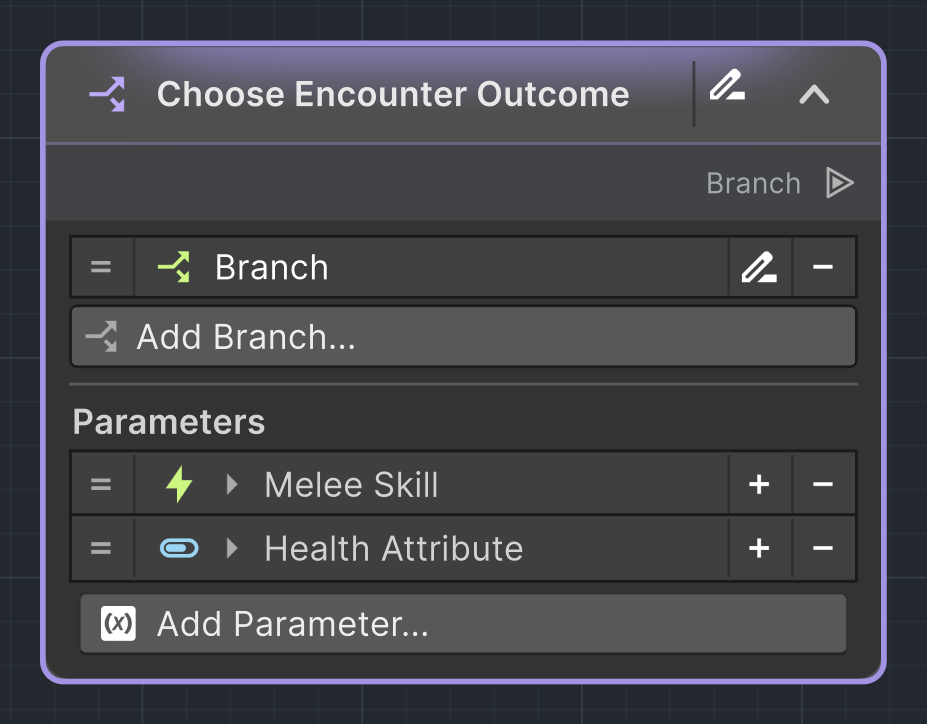
An Instruction Asset or Branch Asset has one permanent root. It is the entry point for the reusable flow and lists the asset's input parameters.
Asset nodes must be reachable from the root. The root cannot be deleted or used as a connection destination. See Reusable ActionFlow assets for authoring and how to use assets.
Asset call nodes
ActionFlow 2 contributes Game Creator entries that run Instruction and Branch Assets or check a Condition Asset. They appear like other Game Creator nodes and show one input value for every parameter on the referenced asset.
Asset calls may be nested. Keeping both caller and asset graphs open makes it possible to follow execution across that boundary in Play Mode.
Conditions root
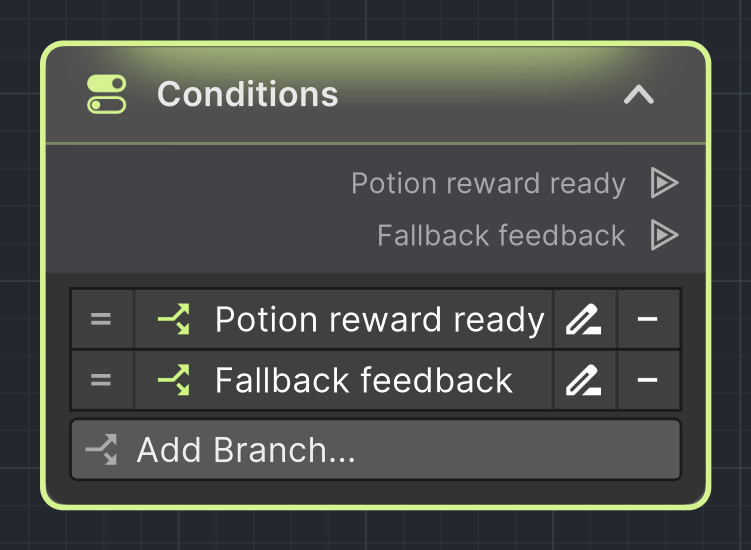
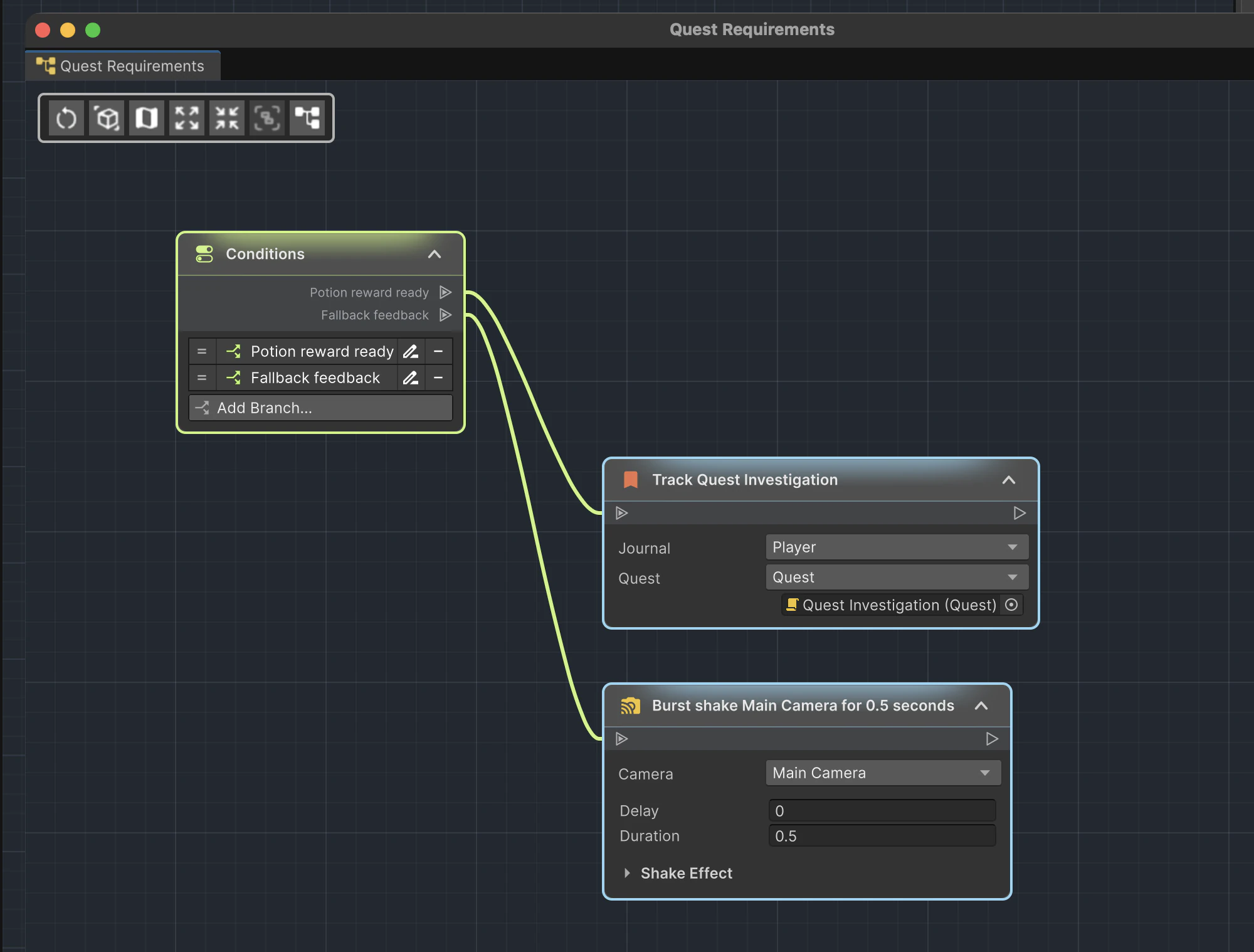
A Conditions node represents a standalone Game Creator Conditions component. It is a root node with one output per branch and no input.
This is distinct from a two-way Branch instruction: the Conditions component owns a branch list at the GameObject level.
Actions root
A Game Creator Actions component contributes its instruction list to the graph. Its instructions appear as a connected root sequence and remain owned by that component.
Connection rules
- Connect from an output port to a compatible input.
- Trigger, Rule, and Conditions roots cannot be connection destinations.
- An instruction input has a single predecessor.
- Branch and Flow outputs can start independent chains.
- Disconnect an input or output from the node context menu.
Module-provided nodes
The node picker discovers Game Creator Events and Instructions from installed modules after Unity compiles. Their normal settings remain embedded in the node, so a module-specific instruction is configured the same way it is in the Game Creator Inspector.
No separate ActionFlow integration is required per module. See Compatibility and modules for details and the limits of automatic discovery.

Connections change behavior
Removing or reconnecting a node changes which instructions run. Moving a node only changes the layout.